Time: 1 week project | Role: UX UI Designer | Team: 1 designer

Identifying UX Challenges in a Real-World Scenario
Analyzing the App Through Nielsen’s Heuristics

Consistency & Standars
Throughout the mobile app, the icons, text, spacing, and information cards all use inconsistent sizing, with icons ranging from 14px to oversized ones that share the same visual hierarchy. The same issue applies to text elements, making the overall design feel unbalanced.
Aesthetic & Minimalist Design
The app overall feels cluttered due to an excessive number of options, banners, and cards, many of which are visually inconsistent. Additionally, there's an overload of information being presented, some of which feels irrelevant or unnecessary, making it harder for users to focus on what truly matters.

Error Prevention
On the connections screen, it's not immediately clear which connections have an extra cost. This can lead users to notice this inconvenience too late; especially if it's part of the final part of their journey.

Key Usability Findings
Competitive Analysis
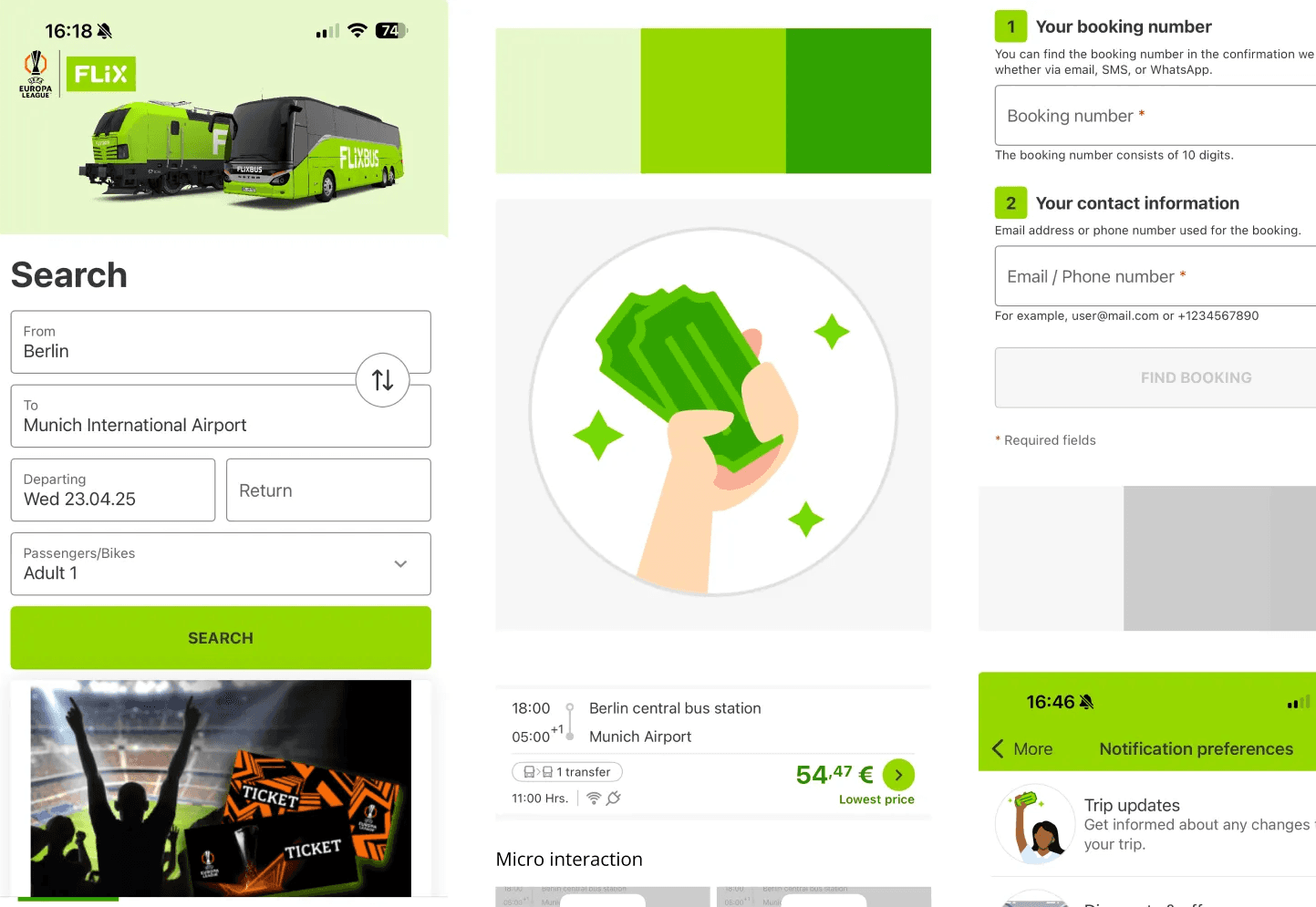
Flix Bus

Omio
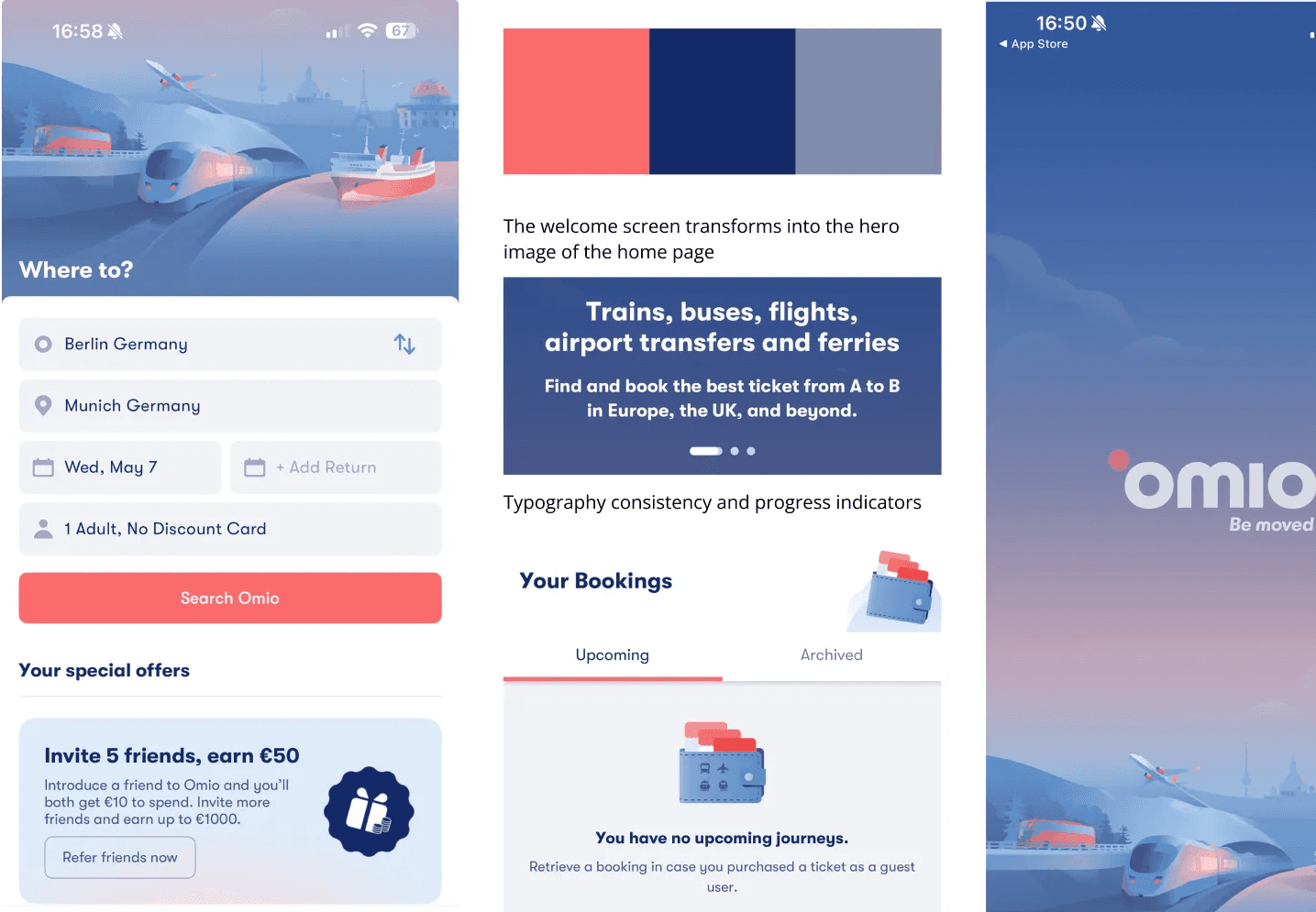
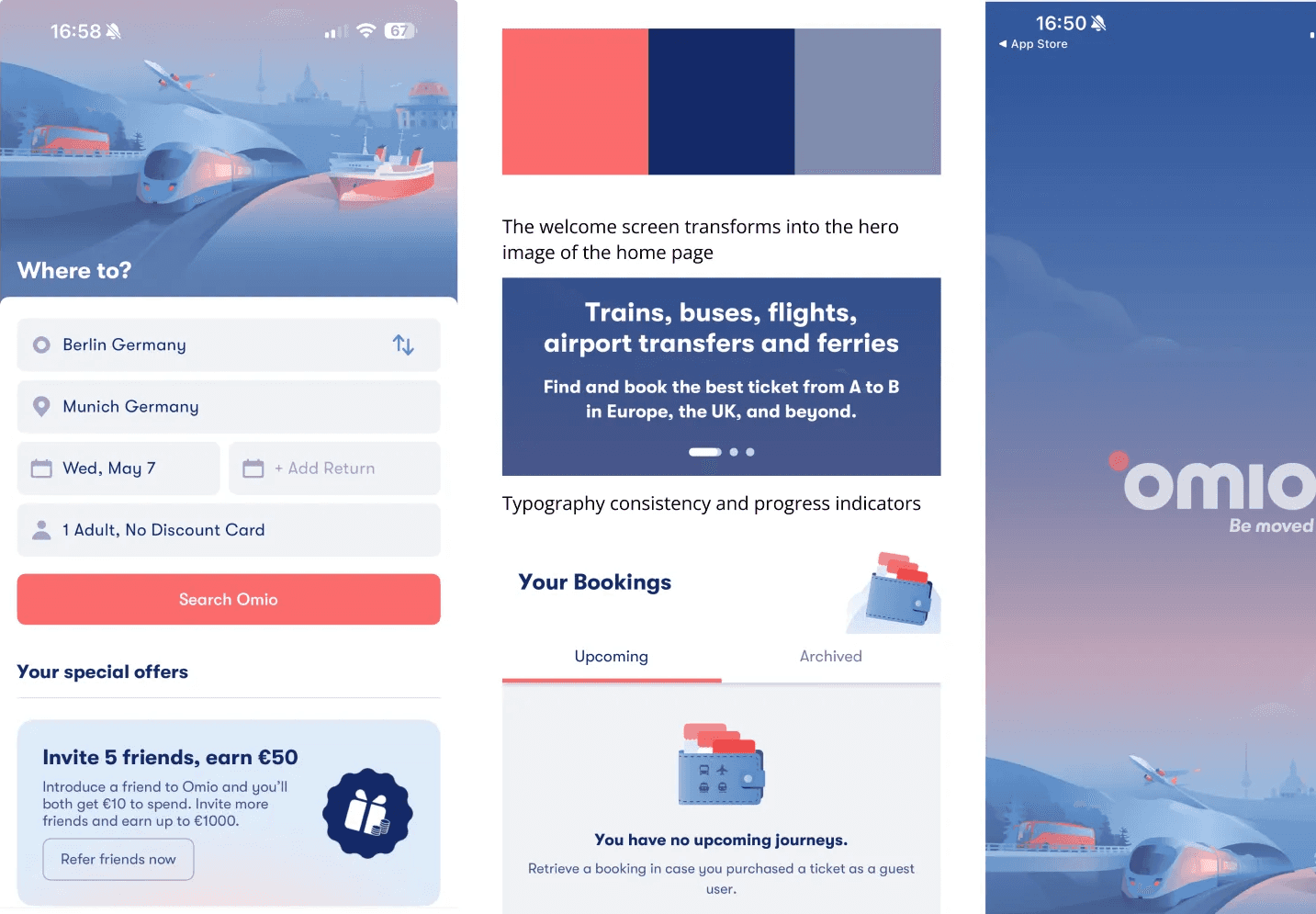
Both apps demonstrate a clean and user-friendly design, prioritizing clarity and ease of navigation. Their interfaces use consistent visual hierarchies, clear call-to-actions, and a hero image to create a strong visual identity from the first interaction.
In contrast, the Deutsche Bahn app presents a dense interface with multiple entry points and inconsistent information architecture, which increases cognitive load and slows down the decision-making process.
This comparison provided valuable benchmarks for improvement and guided my design decisions during the redesign phase, ensuring the new interface would feel modern, intuitive, and aligned with user expectations.
Mobile App Redesign
After identifying key usability issues, I focused on creating a modern, consistent, and user-centered redesign for the Deutsche Bahn app.
The goal was to make navigation simpler and more intuitive, while aligning the visual language with a clear, accessible, and cohesive identity.
Key improvements:
Homepage: Introduced a hero image and standardized input fields, icons, and buttons to create a coherent visual system.
Passenger selection flow: Simplified and reorganized to reduce cognitive load and make the process faster and easier.
Profile section: Enhanced visual hierarchy and accessibility of personal information for smoother interaction.
Connections screen: Clarified trip details, prices, and transfer options to help users make more informed decisions.
This redesign emphasizes clarity, balance, and efficiency, resulting in an interface that feels lighter, more intuitive, and more visually cohesive — while staying true to Deutsche Bahn’s brand identity.

Four screens of the redesigned DB app
View the interactive prototype
Video of the prototype
Conclusion
This heuristic evaluation and redesign allowed me to transform a frustrating real world experience into a structured usability analysis and a meaningful design solution.
By applying Nielsen’s 10 heuristics, I was able to uncover key usability flaws that affected users’ confidence and efficiency while navigating the Deutsche Bahn app. The redesign focused on improving clarity, visual consistency, and accessibility, resulting in an experience that feels simpler, faster, and more intuitive.
Beyond improving the interface, this project reinforced my ability to:
Apply UX evaluation frameworks to identify and prioritize usability issues.
Translate insights into actionable design improvements.
Deliver user-centered solutions that balance functionality and aesthetics.
In short, this project reflects how I approach design challenges, through curiosity, research, and a strong focus on the user.
